


The eLearnCommerce platform enables you to build 6 different Types of Platforms on your WordPress website:
1.: The Membership Site
In essence, a Membership Site is a protected or closed off part of your website where only Members who subscribe have access to exclusive content such as blog posts, courses, newsletter subscriptions, exclusive offers, and to join a community of other members.
You can be selling access to this closed off part of your website against a weekly, monthly, yearly recurring, one-time price, or grant access for free.
2.: The Content Delivery Platform
Like a real-world library, this type of platform centers around the delivery of all different Content Types such as Courses, Ebooks, Longform video archives, and Offers.
As the name suggests, it’s all about delivering Knowledge by packaging it up into several different Content Types, all of which you can create and publish with eLearnCommerce.
These types of Platforms use Library Index Pages to organize and display vast amounts of content in a way that makes it easy for learners to search, navigate, and find things.
3.: The Online Course delivery Platform
This one centers around the delivery of Courses only.
You can have any number of them on your Online Course Delivery Platform: 1, 10, 30, 50+
4.: The Coaching Platform
This type of platform revolves around the relationship that a Coach, Consultant, or Teacher has with his students. A Coach, Consultant, or Teacher either coaches or teaches 1:1 or a Class of Learners or Clients.
On this type of platform, the coach, consultant, or teacher speaks with his learners using a facebook like Post and Comment thread.
He also creates virtual classrooms, private areas & personalized learning environments for every single Learner or groups of Learners, and he uses the platform to centralize, manage, and deliver Coaching services to his clients.
5.: The Content Hosting Platform
Using the eLearnCommerce Knowledge Broadcaster Module, you set up one Learning Content Host Site and then embed & display your content across 1000’s of Sites without the need to install other instances of eLearnCommerce.
It’s pretty cutting edge, and it works in the same way as Youtube…learn more.
It’s the realm of B2B deals where you create & curate a course and then “rent” it to a course display site that pays you weekly, monthly, or a yearly fee.
Another name for this type of platform is “digital content store” or “content delivery agency.”
6.: The Institute or Academy Platform
On this type of platform, you can have several teachers, different classrooms and build the equivalent of a real-world school, institute, or academy on your WordPress using eLearnCommerce. Learn More
All of these 6 types of platforms can interchangeably be defined either as Membership Sites or eLearning Platforms.
Why?
Reason 1:
Because at the core, it’s all about content protection and content access regulation no matter what kind of platform or membership site you’re building.
Content protection and content access regulation are what membership plugins do.
Reason 2:
Because in one way or another, learning something new is always part of the equation.
How to build your Membership Site?
To build your Membership site or any other type of platform, you only need the eLearnCommerce Knowledge Delivery Platform for WordPress.
Based on the tools and plugins you already own and desire to use on your project, you add any integration or component listed here.
eLearnCommerce comes with its very own Membership solution, the Sales Engine, which enables you to Sell access to your Content, Accept Payments, create and Manage your Memberships both free and paid, and a lot more.
Learn about the Sales Engine here.
If you’d like to learn how to plan your membership site or eLearning Platform, make sure you read the following article:
Learn How to Plan your Platform
Now, because eLearnCommerce is a WordPress plugin, you will need to add a WordPress theme to the mix to build your platform.
Let me explain why.
A WordPress Website is composed of 3 main areas.
The Header or Menu
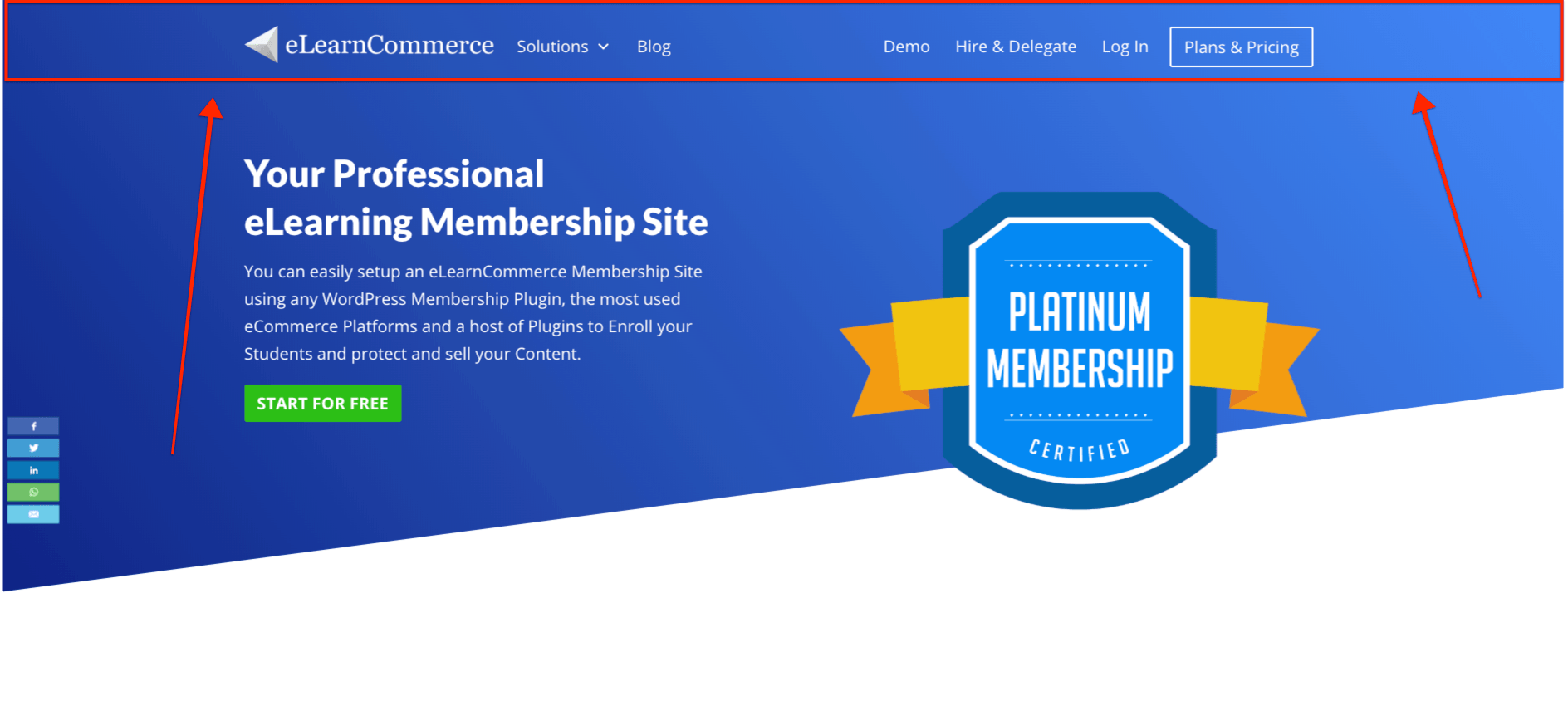 (The area marked in red is the Header/Menu.)
The Footer
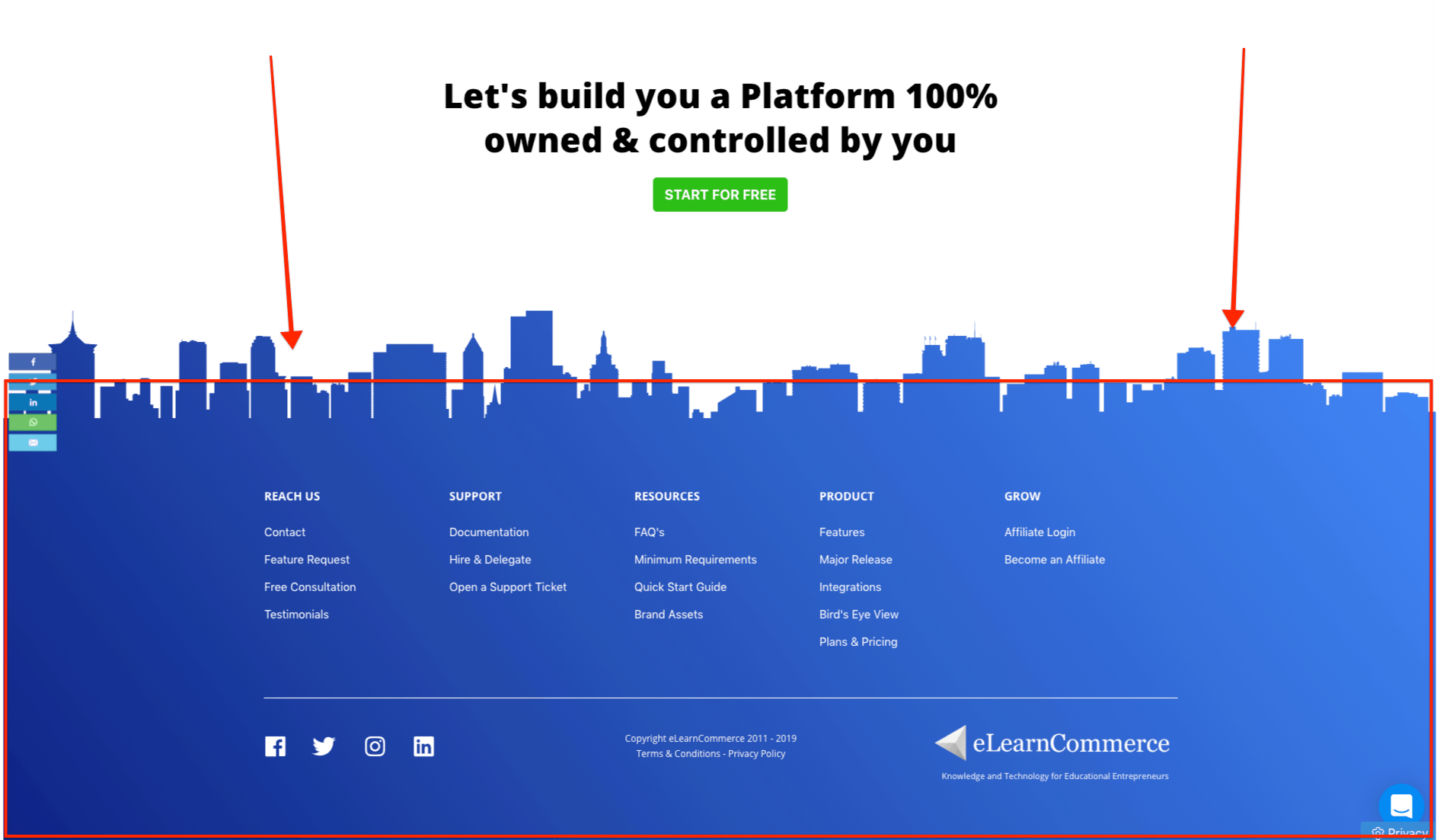
(The area marked in red is the footer.)
The Body
Everything in between the header and footer is referred to as Body.
In Synthesis
When you use eLearnCommerce to build your Membership Site or any other type of eLearning Platform, all the Body Parts will be added by eLearnCommerce.
It means that all the WordPress theme needs to take care of is the header and the footer.
You’ll use the theme to upload your logo, create the menu navigation for both the header and footer, and that’s it!
That is why a very simple theme to build your eLearning platform with eLearnCommerce will do.
The Best WordPress Theme for your Membership Site
We recommend the Free Version of the Neve Theme from Themeisle.
We use it on all the Platforms we build and have been recommending it for quite some time.
It’s fast, lightweight, reliable, and very high quality.
Again, all you need the theme for is to add a menu and your logo, so do not look for design, look for simplicity, and this very basic functionality.
You can also use the Free Twenty Sixteen Theme.
What about Page Builders?
With eLearnCommerce, you can embed courses and content anywhere on your WordPress website using shortcodes. Learn More
You can use a Page builder you like to work with to add elements and the shortcodes themselves to your WordPress pages.
Learn how to use any Page Builder with eLearnCommerce.
Some great Page builders are Elementor, Beaver Builder, and Thrive Architect.
There you go!
That’s all you need to build any Membership site or eLearning Platform on your WordPress using eLearnCommerce.
Quick summary
Please keep it simple!
1 Theme
1 Page Builder
eLearnCommerce
Best Practice, Nr.1
Use a Subdomain structure.
You want to separate Information delivery from Knowledge Delivery.
Your Blog and articles will be on your main domain.
Your Membership site or eLearning Platform will be on your sub-domain.
Learn about this and other Best Practices, do’s and don’ts when building your Membership site by reading the following article:
10 Costly Mistakes to AVOID When Building Your eLearning Platform with WordPress
All the best
Corrado Izzo
CEO – eLearnCommerce
xporn
xnxx
Phim sex
Uk Public Liability Insurance
How To Blur Out Your House On Google Maps
Pure Massage Riverview
Brendan Gallagher Girlfriend
World Cup Netherlands Vs Argentina
Marauda
Daily Lister Craigslist
Travel Insurance For Canada
Adullam Cave
Best Women S Soccer Players
Saudi Arabia Us
English To Bulgaria
Porn vido indan
Chopped Hazelnuts
Jordan Binnington Injury
Hopper S4
Tracksuit Set Women
Food In Portree Scotland
How Much Is A Fitbit
Aircraft Right Of Way Rules